


What are course templates?
Course templates are reusable course structures that can be used as the basis for multiple projects in Learnifier.
What are they used for?
Use course templates for recurring courses where the same structure and course material are used repeatedly.
For supported material types, changes made in the course template can also be reflected in projects that are already based on the template.
Who is it for?
Course templates are available on the Professional and Enterprise plans.
How to create a course template
- Go to Library > Course Templates.
- Select the option to create a new course template.
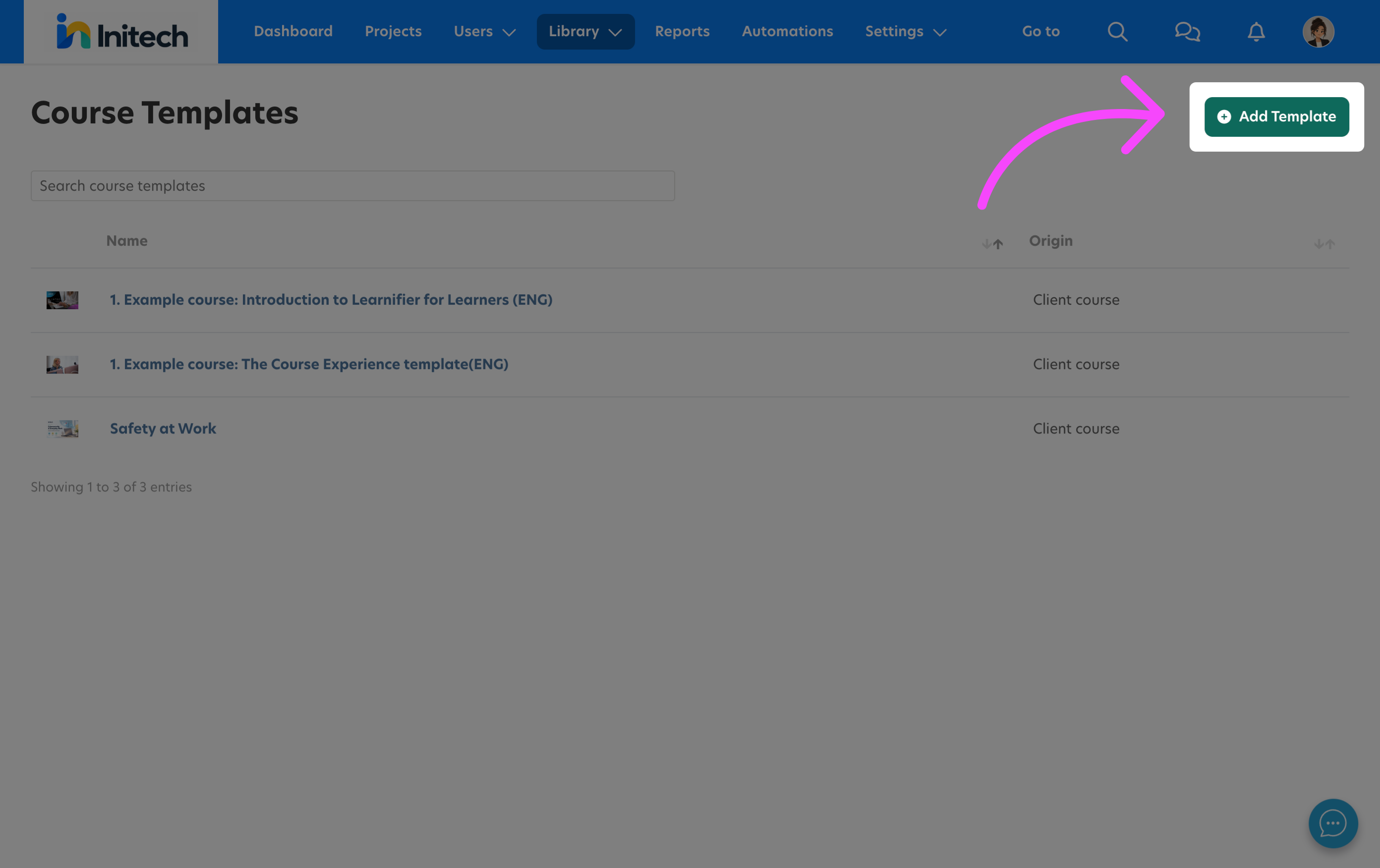
- Enter a name for the course template.
- Add a description if needed.
- Save the course template.
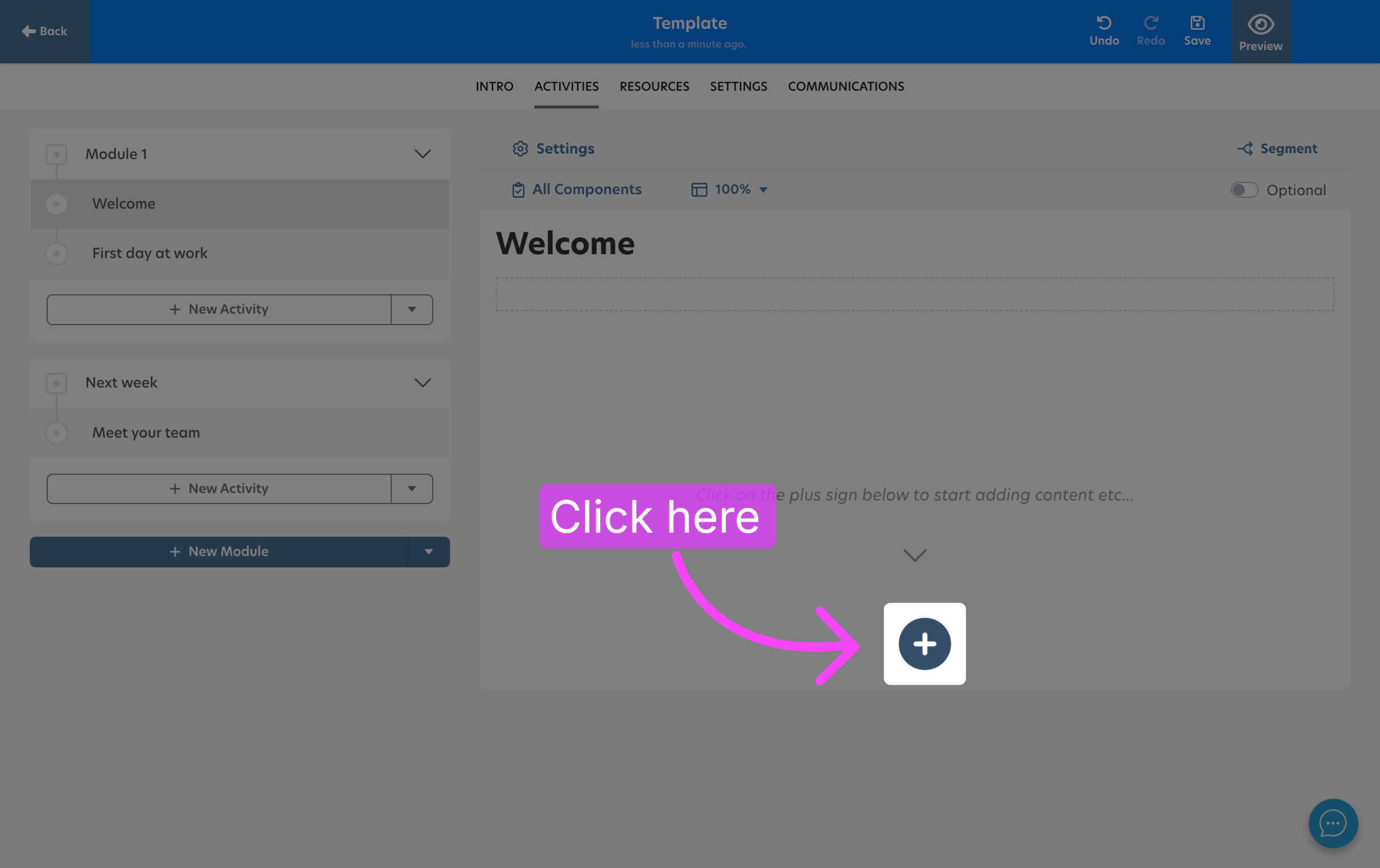
- Open the course template and add the modules, activities, resources, and other content you want to include.
Use material from the Library
You can create material directly in a course template or use existing material from the Library.
Using Library material is useful when the same material should be used in several course templates.
For example, if the same survey should be included in multiple course templates, you can create the survey in the Library and then use it in each relevant course template.
How to update a course template
How a change affects projects depends on what you update in the course template.
Update material in existing projects
Changes to the following material types are reflected in projects based on the course template:
- Image
- Quiz
- Survey
- Video
- Web link
- Document
- Flashcard
- Checkpoint
Important: Edit the existing material if you want the change to be reflected in projects that are already based on the course template. Do not remove the material and then add a new item in its place.
For example, if you want to replace an image, open the existing image material, edit it, and upload the new image there. If you want to update a quiz, open and edit the existing quiz instead of deleting it and creating a new one.
Participant completion status
Important: Updating material in a course template does not reset a participant's existing completion status.
If a participant has already completed an activity, such as a quiz, and the material is later updated through the course template, the participant will remain completed for that activity.
The same applies to the course. If a participant has already received the status Completed, changes to the course template will not reset that status.
Changes that only affect future projects
Other changes made in a course template only affect projects created from the template after the change.
If you need content that can be maintained centrally and updated in existing projects as well, consider using reusable modules or activities.
For example, reusable modules or activities may be more suitable if you have text content that needs to change over time across existing projects.
Reference information
▶ Which material types are updated in existing projects?
Changes to the following material types are reflected in projects based on the course template:
- Image
- Quiz
- Survey
- Video
- Web link
- Document
- Flashcard
- Checkpoint
Important: Edit the existing material. Removing it and adding a new item does not update the existing material.
▶ What happens to completed participants when material is updated?
A participant's existing completion status is not reset when material is updated through the course template.
Participants who have already completed the course will also keep their Completed status.
▶ When should I use material from the Library?
Use material from the Library when the same material should be reused in several course templates.
For example, create a survey in the Library if the same survey should be used in multiple course templates.
▶ When should I use reusable modules or activities?
Consider reusable modules or activities when content needs to be maintained centrally and changes should also be reflected in existing projects.
This can, for example, be useful for text content that needs to change over time.
 Svenska